


Pool Water Testing
Universal Pool Water Testing Chart
Don’t have an HTH™ test strip? No problem — you can manually enter your pool test values to get recommendations.
After testing your pool water, use our interactive chart for quick and accurate guidance. Simply enter your results in the chart below, select the value for each chemical level, and click "Get Results" for personalized tips.
Download our HTH™ Test to Swim App and enjoy Smart Pool Water testing at your fingertips.
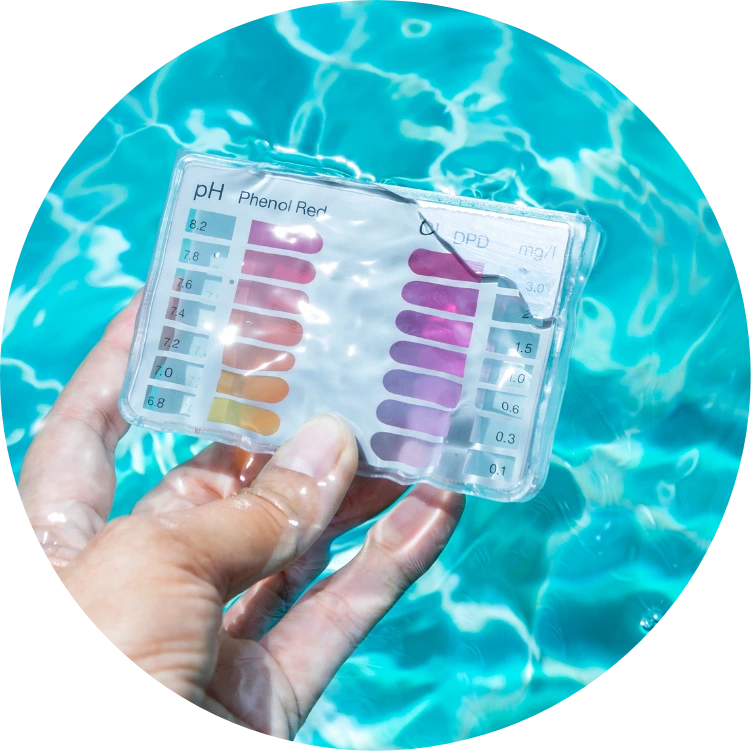
How to Use the Pool Water Test Chart
Need a refresher before matching your test results? No problem. Follow the quick tips below to ensure accurate pool water testing. For additional support, you can download the HTH™ Test to Swim App or use your myHTH account to store test history and track your favorite products.
Quick Tips for Accurate Pool Water Testing
- Test your pool water using your preferred method (test strips, liquid test kit, or digital testing).
- Collect your water sample from elbow depth, away from jets or return lines for the most accurate results.
- Record your chemical levels, including pH, chlorine or bromine, alkalinity, and other key parameters.
- Enter your results manually into the interactive pool water test chart above.
- Select the corresponding levels and click “Get Results” for personalized recommendations.
For best results, test and balance your pool water weekly to maintain clean, clear, and properly balanced water.